SL
Seedream 5.0 Lite AI Image Generator
Explore structured layouts and focused visual edits. Develop clear concepts for products, educational graphics, and everyday design work.
AI Image Generator1:1 · 10244
Bring your idea to life with the selected model. (FLUX Dev) Start for Free
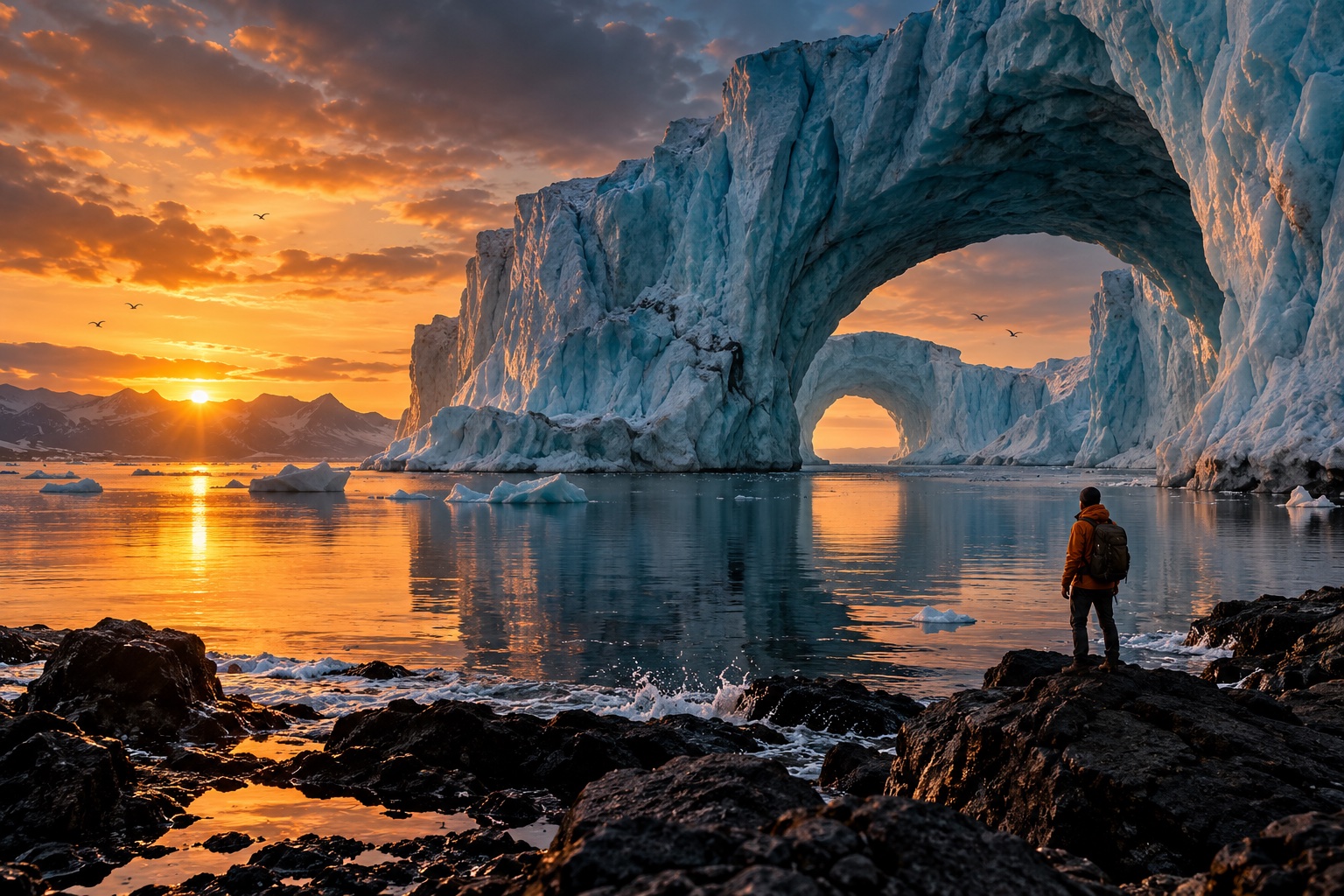
Original concept · illustrative preview
Explore a visual direction with Seedream 5.0 Lite
Use these original creative studies to plan a prompt, compare a composition, and decide what your project needs next.
Explore what you can create
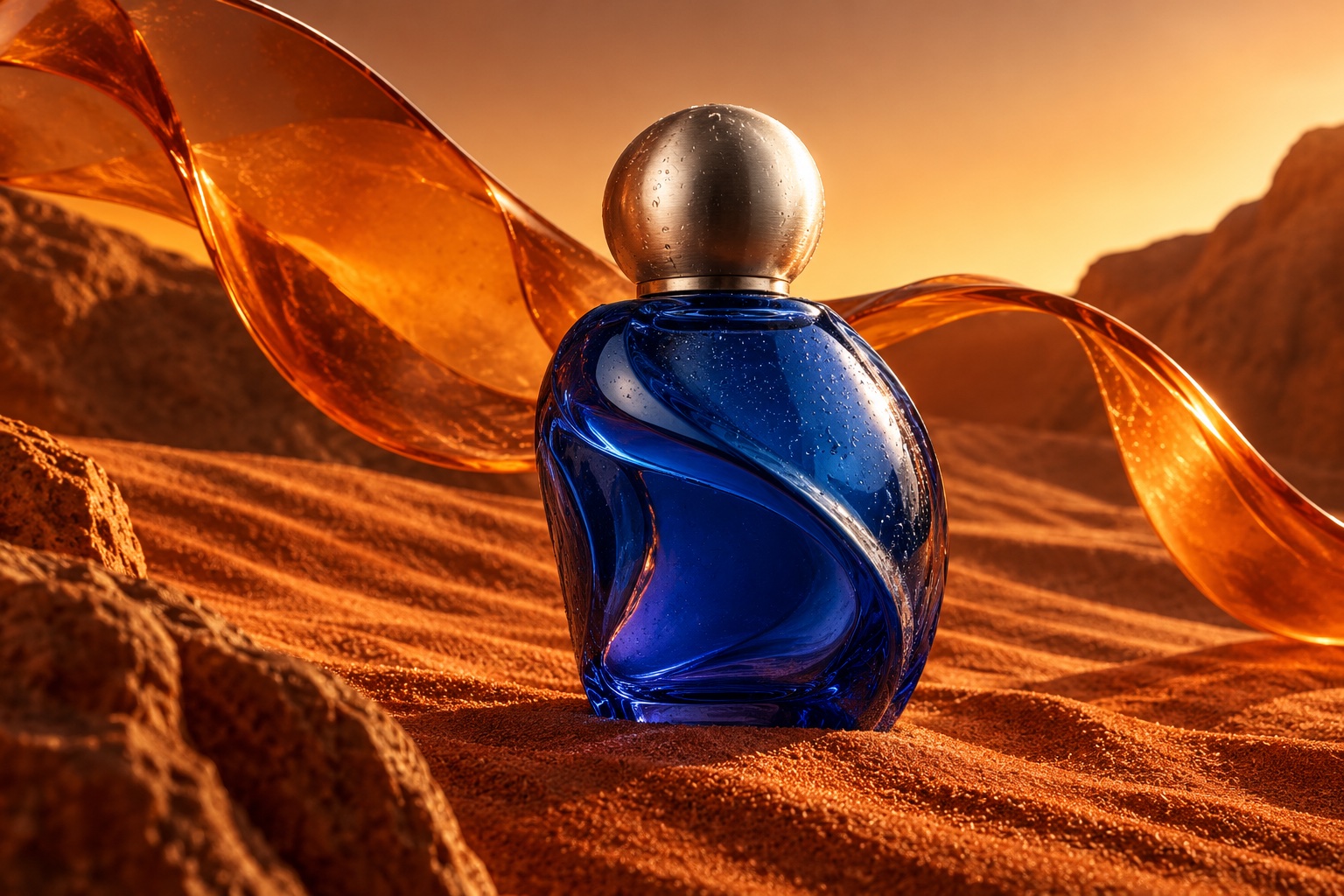
Objects with a story
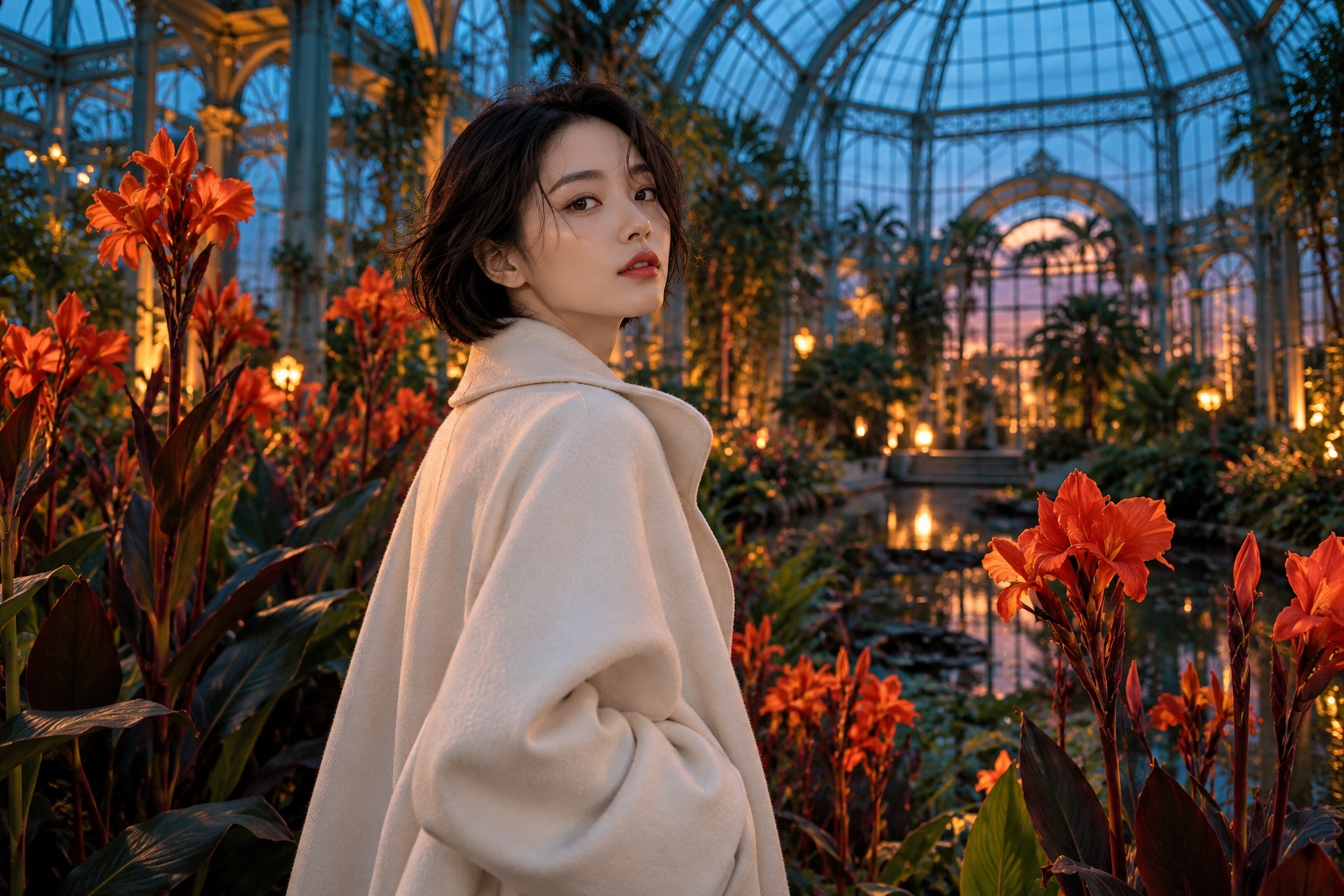
A different kind of portrait
Built around your creative workflow
01
Controlled design changes
Describe a replacement background, a new color, or an adjusted object scale.
Start creating02
Structured compositions
Lay out the relationship between the scene elements before asking for a new image.
Start creating03
Explain an industry concept
Develop illustrative directions for architecture, products, or educational materials.
Start creating04
Details for the final placement
Review texture, edges, and lettering at the size your audience will actually see.
Start creatingMade for your next project
Social stories
Build a recognizable visual style for your next post or short story.
Product campaigns
Explore lighting, settings, and creative directions before your next launch.
Visual storytelling
Develop characters and scenes for storyboards, pitches, and personal projects.
From your idea to the next frame
- 01
Choose an available model
Check the model currently offered by the workspace before generating.
- 02
Write your visual brief
Describe the subject, setting, lighting, and the details that matter.
- 03
Review and develop
Compare the result with your brief and refine your next prompt.
More tools for your creative toolkit
AI Image GeneratorGenerate images from a text prompt.Image to ImageTransform a photo into a new image with a prompt.AI Photo EditorEdit photos by describing the change.Watermark RemoverRemove watermarks and overlays from images.Magic EraserErase unwanted objects and fill the gap naturally.Image UpscalerEnlarge photos without losing detail.
Frequently asked questions
Your next idea starts here.
Bring your vision to life, one image and one frame at a time.
Start creating