AI Background Remover
Background Remover1:1 · 10244
Bring your idea to life with the selected model. (GPT Image 2) Start for Free
AI Background Remover
Bring the subject forward. Explore isolated products, portraits, and design elements ready for a different visual setting.
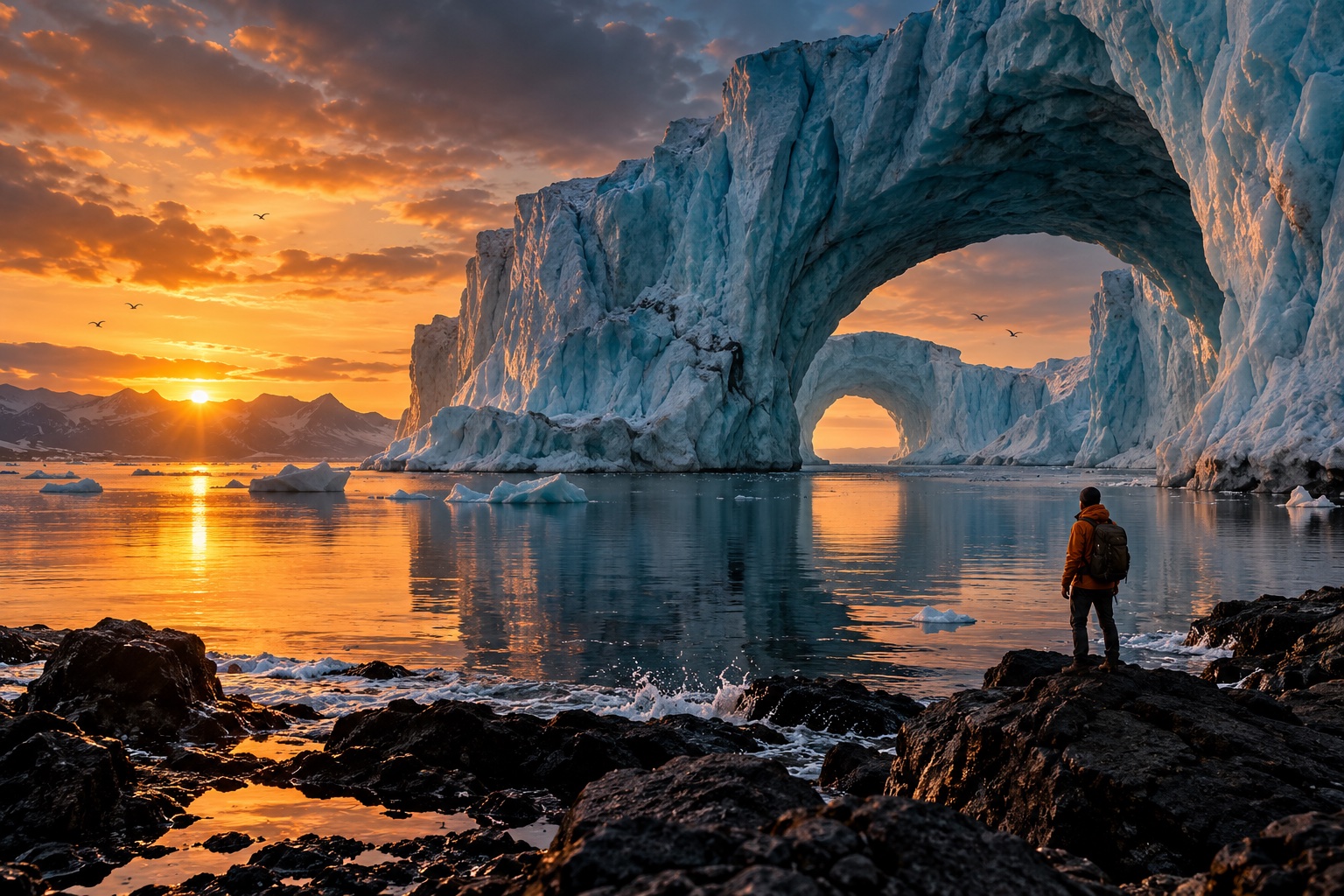
 BeforeAfter
A clear subject opens up new layouts
Separate the visual idea from a busy setting. Build a focused product composition or a fresh design around the subject.
Explore what you can create
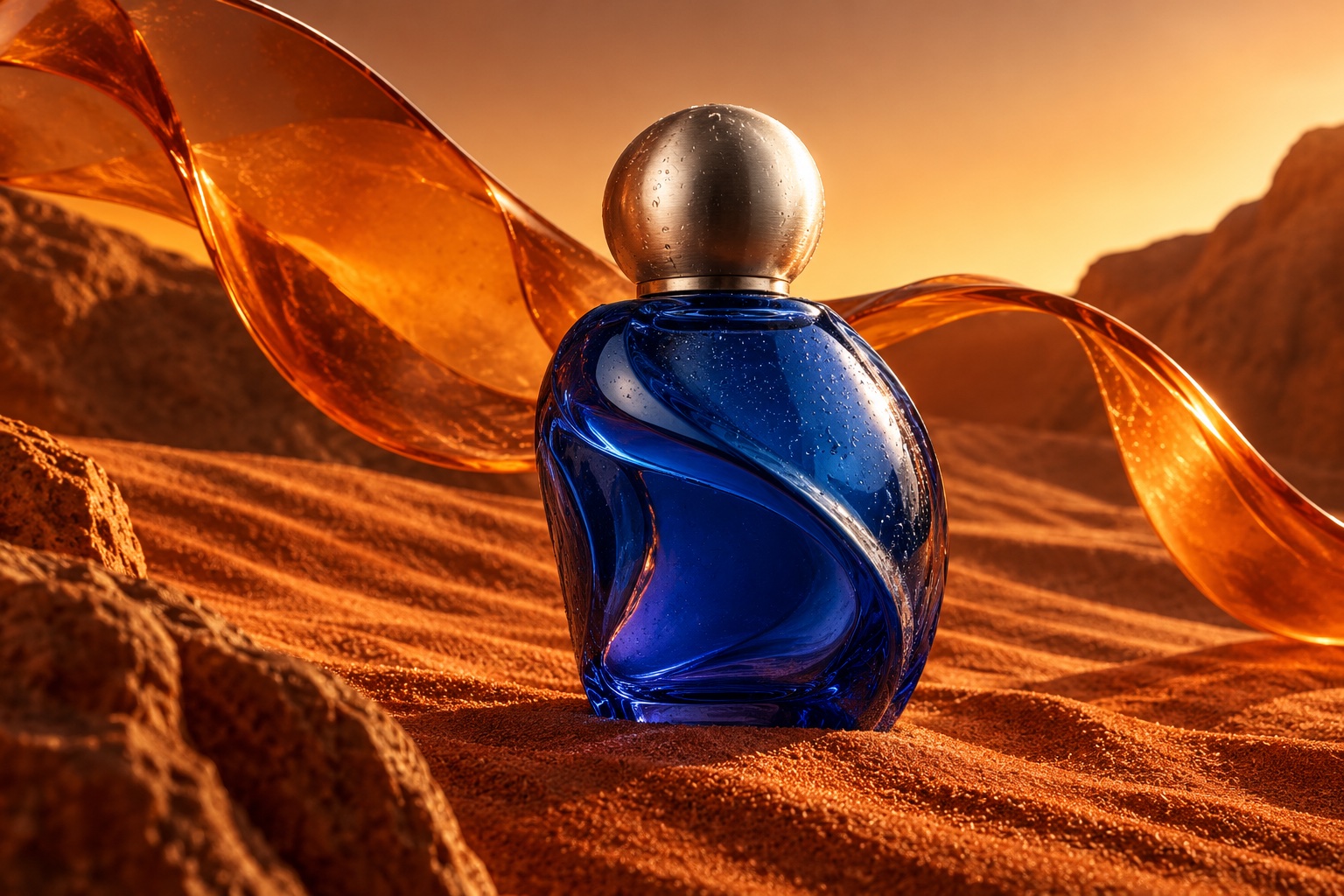
Objects with a story
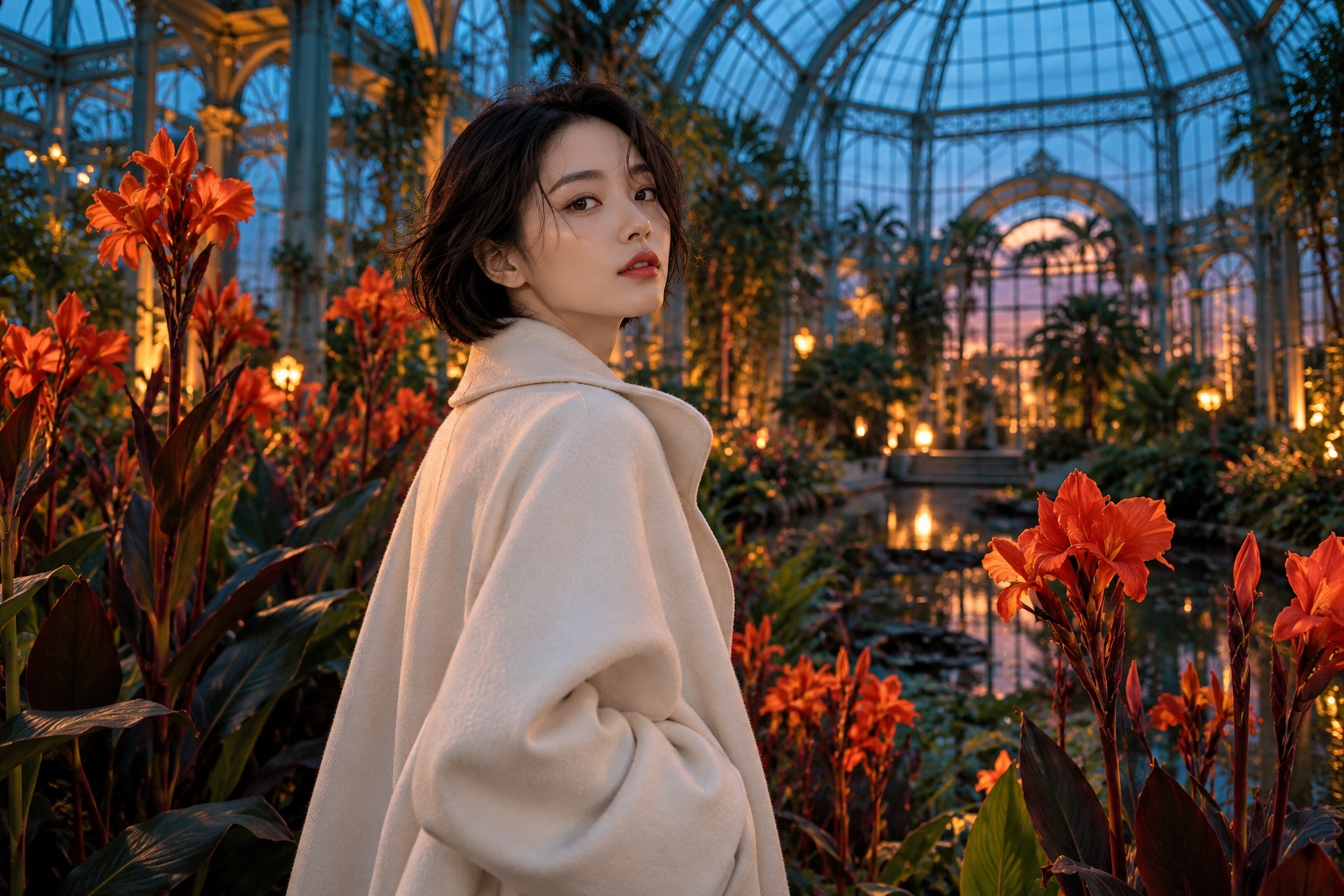
A different kind of portrait
Built around your creative workflow
BeforeAfter01
Product images with focus
Use a simple setting to make shape and material easier to see.
Start creating02
Portraits in a new context
Prepare a headshot for a profile layout or an understated presentation.
Start creating03
Flexible campaign assets
Reuse a subject across banners and social layouts with a consistent visual direction.
Start creating04
Check every edge
Pay attention to hair, transparent objects, and soft shadows when evaluating a cutout.
Start creatingMade for your next project
Social stories
Build a recognizable visual style for your next post or short story.
Product campaigns
Explore lighting, settings, and creative directions before your next launch.
Visual storytelling
Develop characters and scenes for storyboards, pitches, and personal projects.
From your idea to the next frame
- 01
Choose a clear subject
Add a photograph with useful contrast around the subject.
- 02
Set the background direction
Specify isolation or the simple background you want.
- 03
Review the outline
Inspect fine edges and the output format before saving.
More tools for your creative toolkit
AI Image GeneratorGenerate images from a text prompt.Image to ImageTransform a photo into a new image with a prompt.AI Photo EditorEdit photos by describing the change.Watermark RemoverRemove watermarks and overlays from images.Magic EraserErase unwanted objects and fill the gap naturally.Image UpscalerEnlarge photos without losing detail.
Frequently asked questions
Your next idea starts here.
Bring your vision to life, one image and one frame at a time.
Start creating