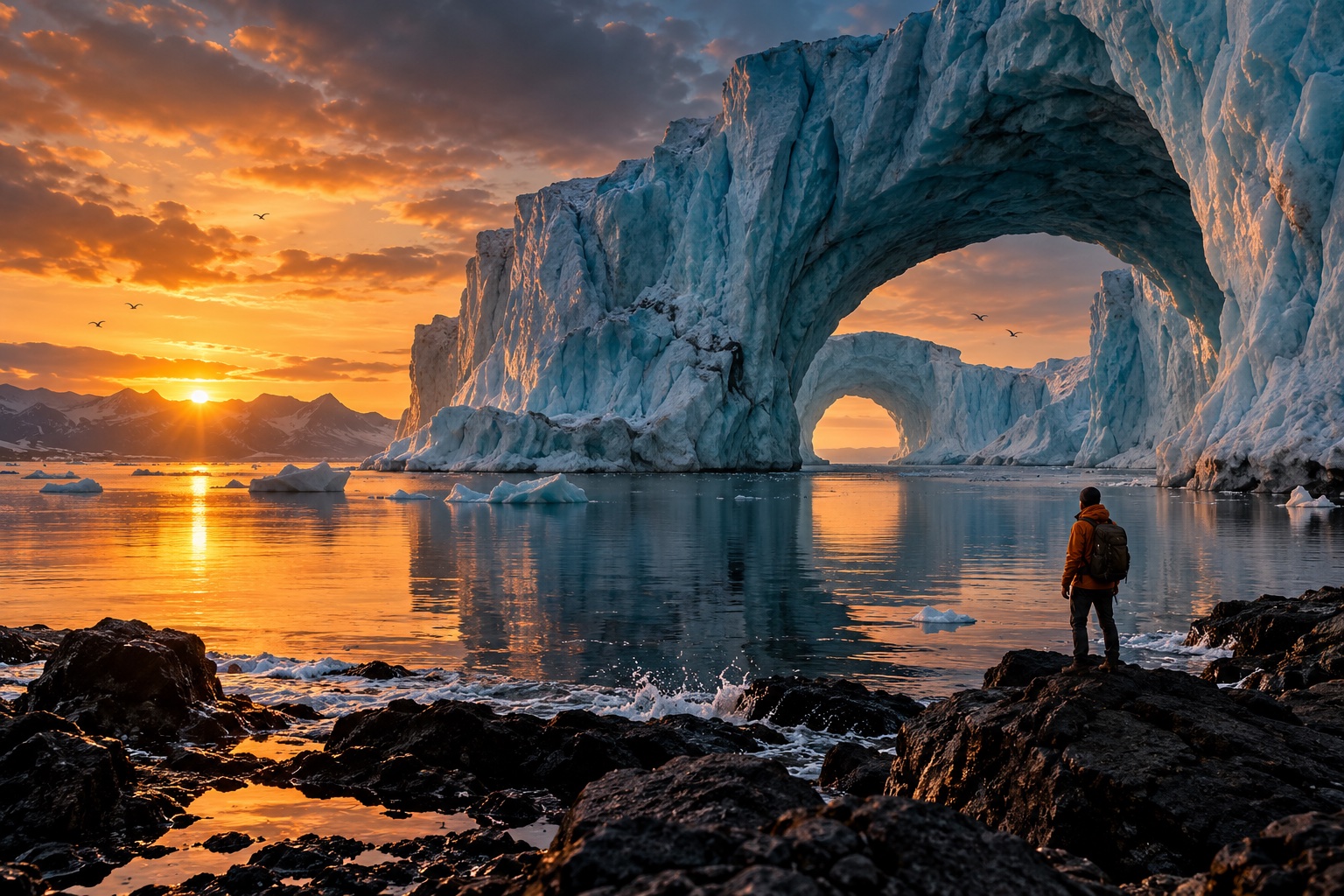
AI Photo Editor
Describe the edit you have in mind. Explore changes to backgrounds, objects, lighting, and portrait details with an image-led workflow.
AI Photo Editor1:1 · 10244
Bring your idea to life with the selected model. (GPT Image 2) Start for Free
Original concept · illustrative preview
Small changes, a stronger photograph
A thoughtful edit brings attention back to the subject. Use clear instructions to develop a cleaner, more intentional composition.
Explore what you can create
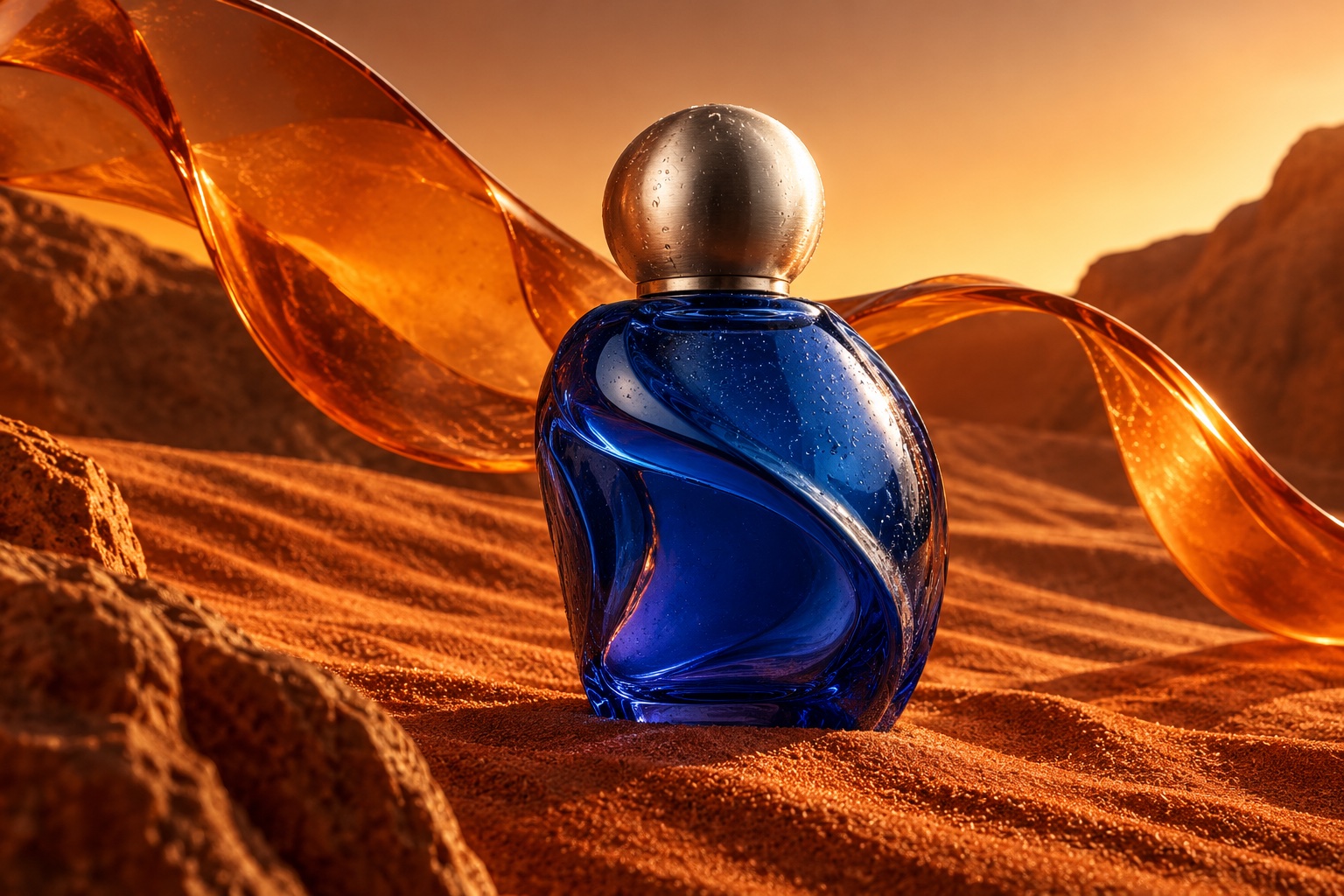
Objects with a story
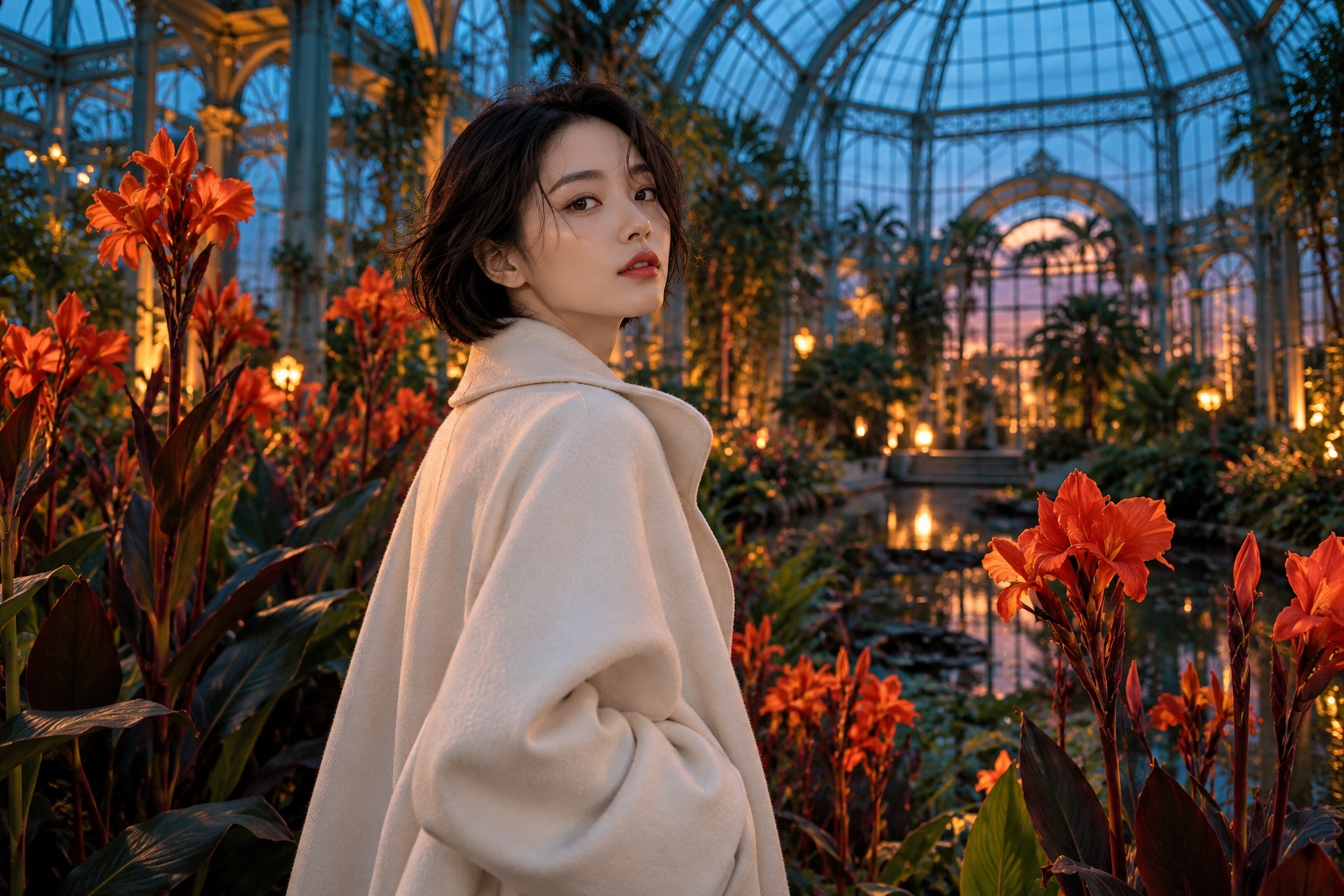
A different kind of portrait
Built around your creative workflow
BeforeAfter01
Edit in everyday language
Explain what should change without translating your idea into layers and technical editing terms.
Start creating02
Clear visual distractions
Identify unwanted props or background clutter and describe the scene you want left behind.
Start creating03
Find a better backdrop
Explore a simple studio background or a setting that adds context to the subject.
Start creating04
Shape light and color
Ask for softer shadows, warmer daylight, or a more restrained palette.
Start creating05
Refine portrait details
Describe a subtle retouch while keeping the expression and recognizable features central to the brief.
Start creatingMade for your next project
Social stories
Build a recognizable visual style for your next post or short story.
Product campaigns
Explore lighting, settings, and creative directions before your next launch.
Visual storytelling
Develop characters and scenes for storyboards, pitches, and personal projects.
From your idea to the next frame
- 01
Add your photo
Upload a photo with the subject clearly visible.
- 02
Write a focused edit
Name the element to change and what should remain.
- 03
Compare and save
Inspect the result at full size before using it.
More tools for your creative toolkit
AI Image GeneratorGenerate images from a text prompt.Image to ImageTransform a photo into a new image with a prompt.Watermark RemoverRemove watermarks and overlays from images.Magic EraserErase unwanted objects and fill the gap naturally.Image UpscalerEnlarge photos without losing detail.Background RemoverRemove backgrounds in one click.
Frequently asked questions
Your next idea starts here.
Bring your vision to life, one image and one frame at a time.
Start creating