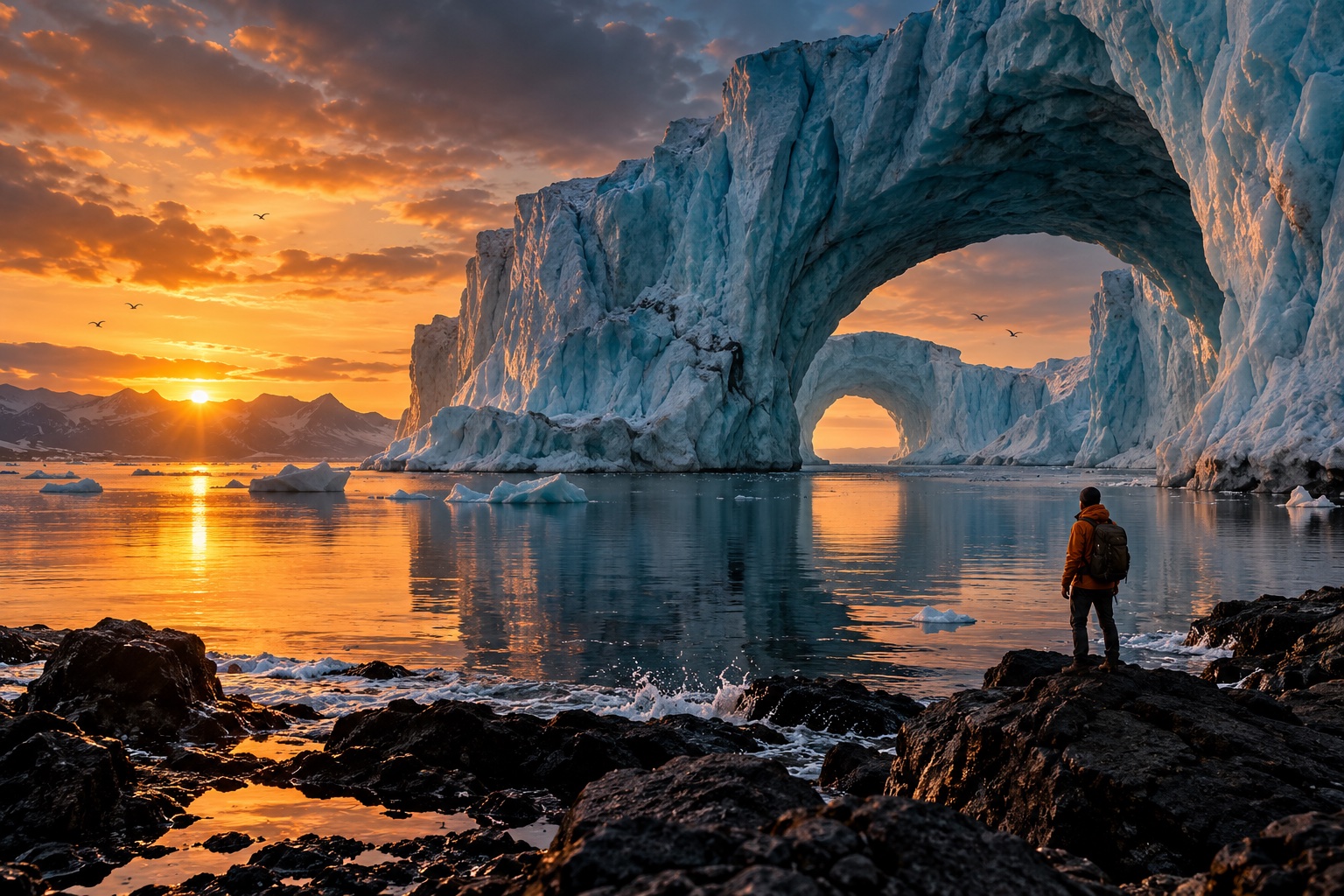
AI Watermark Remover
Watermark Remover1:1 · 10244
Bring your idea to life with the selected model. (GPT Image 2) Start for Free
AI Watermark Remover
Clean distracting marks from images you own or are authorized to edit. Preview how a clearer composition can bring the subject forward.
 BeforeAfter
Let the photograph speak for itself
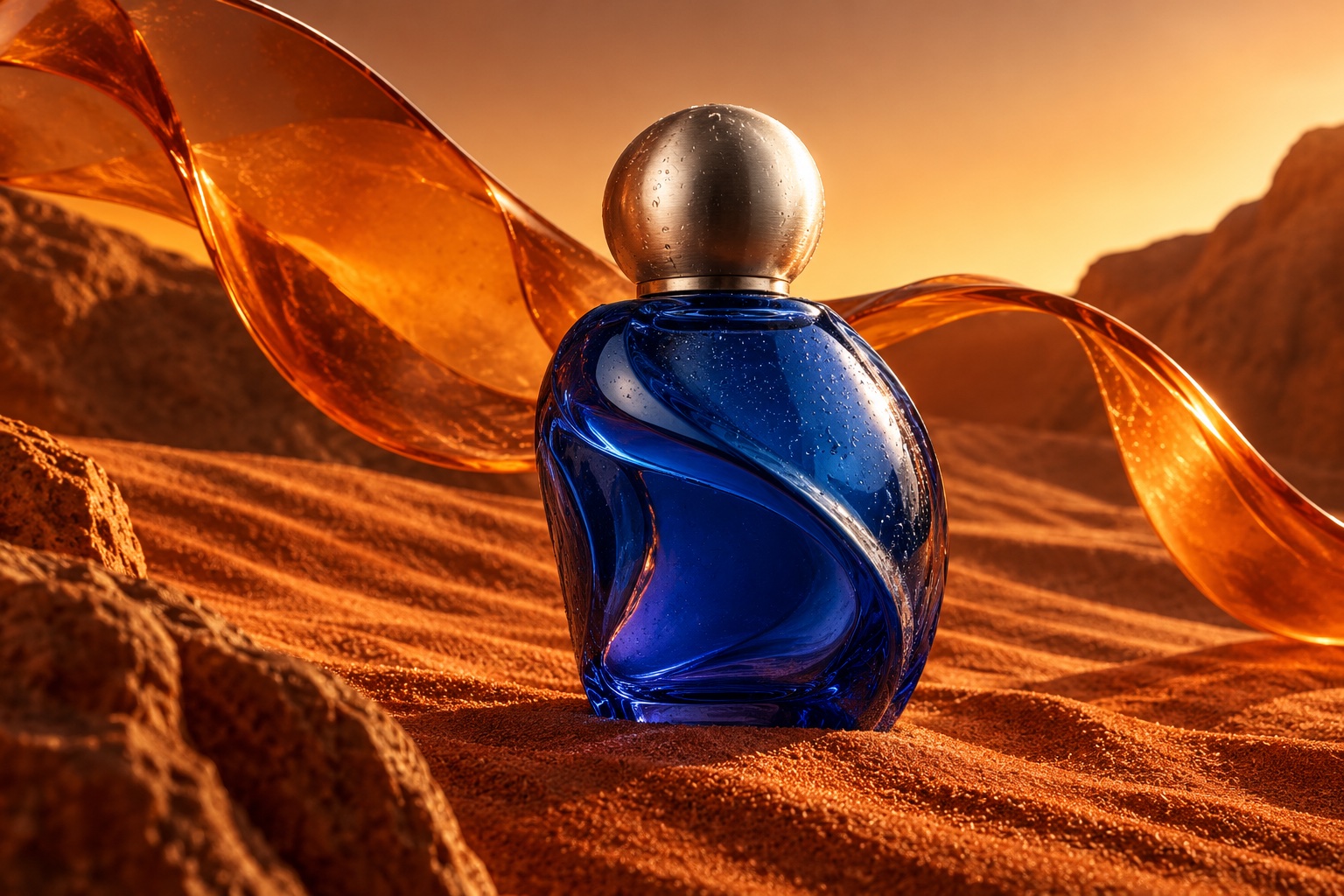
Explore a cleaner version of a product shot, a travel memory, or a draft visual with fewer overlays competing for attention.
Explore what you can create
Objects with a story
A different kind of portrait
Built around your creative workflow
BeforeAfter01
Reduce repeated overlays
Check the areas where repeated marks cross fine textures and important edges.
Start creating02
Tidy dates and labels
Prepare a personal photograph for a new layout by removing distracting date or location labels.
Start creating03
Focus on the product
Keep the shape, finish, and materials at the center of a product image.
Start creating04
Review the restored area
Inspect reconstructed details closely, especially text, faces, and repeating patterns.
Start creatingMade for your next project
Social stories
Build a recognizable visual style for your next post or short story.
Product campaigns
Explore lighting, settings, and creative directions before your next launch.
Visual storytelling
Develop characters and scenes for storyboards, pitches, and personal projects.
From your idea to the next frame
- 01
Choose your image
Add an image you have permission to edit.
- 02
Specify the marks
Describe which overlay or label should be removed.
- 03
Inspect the result
Compare the cleaned areas before saving.
More tools for your creative toolkit
AI Image GeneratorGenerate images from a text prompt.Image to ImageTransform a photo into a new image with a prompt.AI Photo EditorEdit photos by describing the change.Magic EraserErase unwanted objects and fill the gap naturally.Image UpscalerEnlarge photos without losing detail.Background RemoverRemove backgrounds in one click.
Frequently asked questions
Your next idea starts here.
Bring your vision to life, one image and one frame at a time.
Start creating