AI Image Generator
Turn a few words into a visual direction. Explore portraits, product scenes, illustrations, and campaign ideas in one creative workspace.
AI Image Generator1:1 · 10244
Bring your idea to life with the selected model. (GPT Image 2) Start for Free
Original concept · illustrative preview
A new image starts with your idea
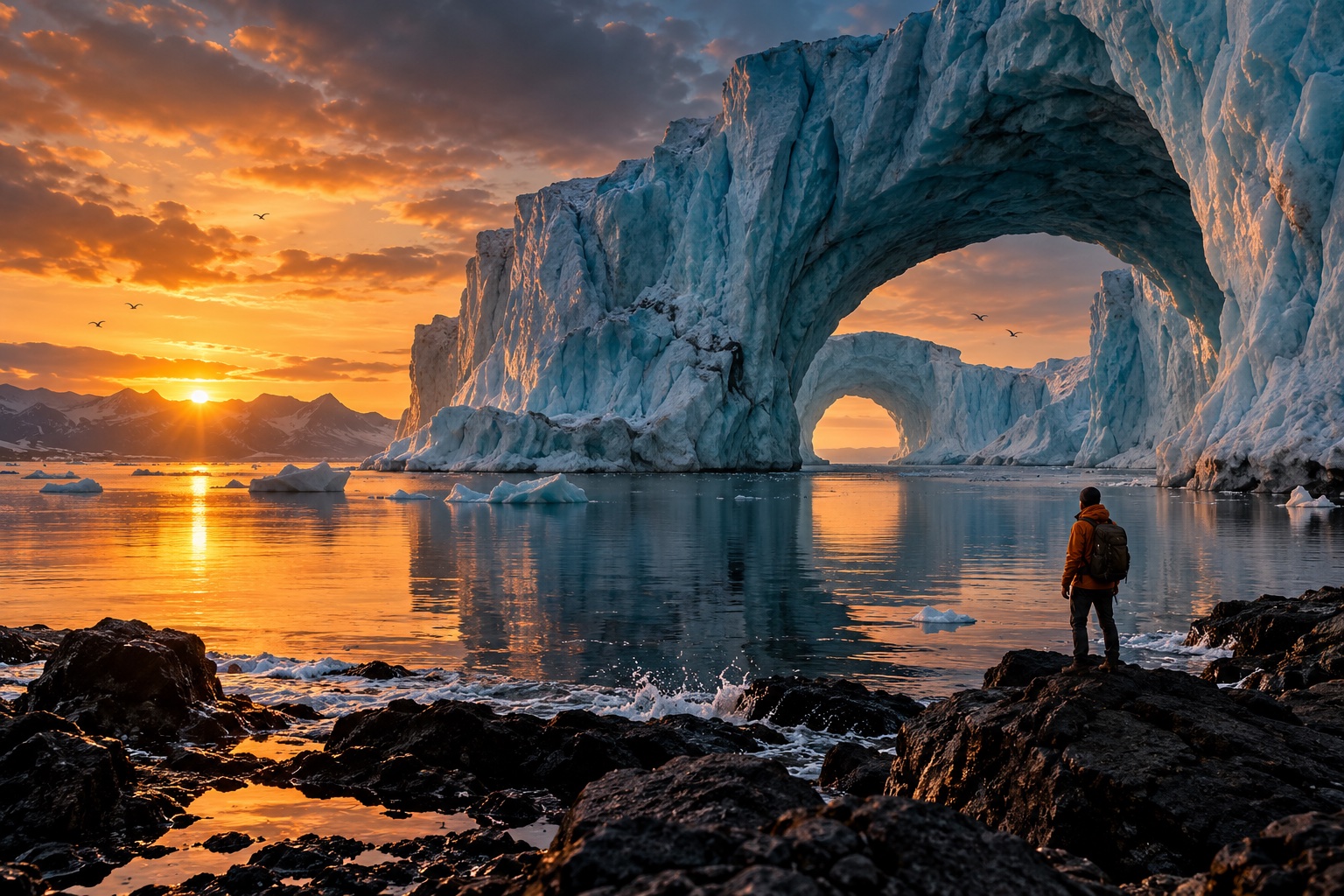
Describe the subject, set the mood, and discover a look worth developing. These original examples offer a starting point for your next project.
Explore what you can create
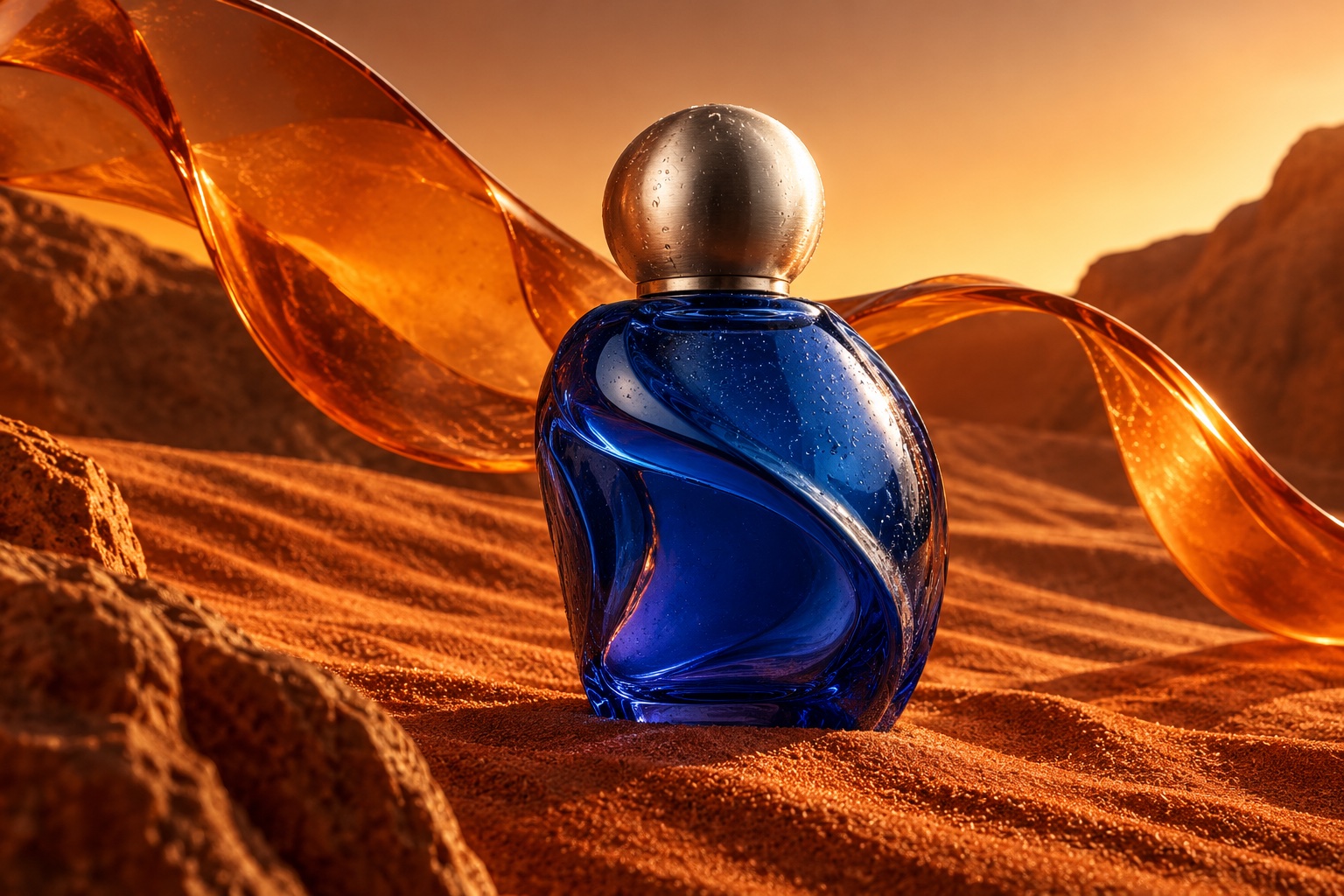
Objects with a story
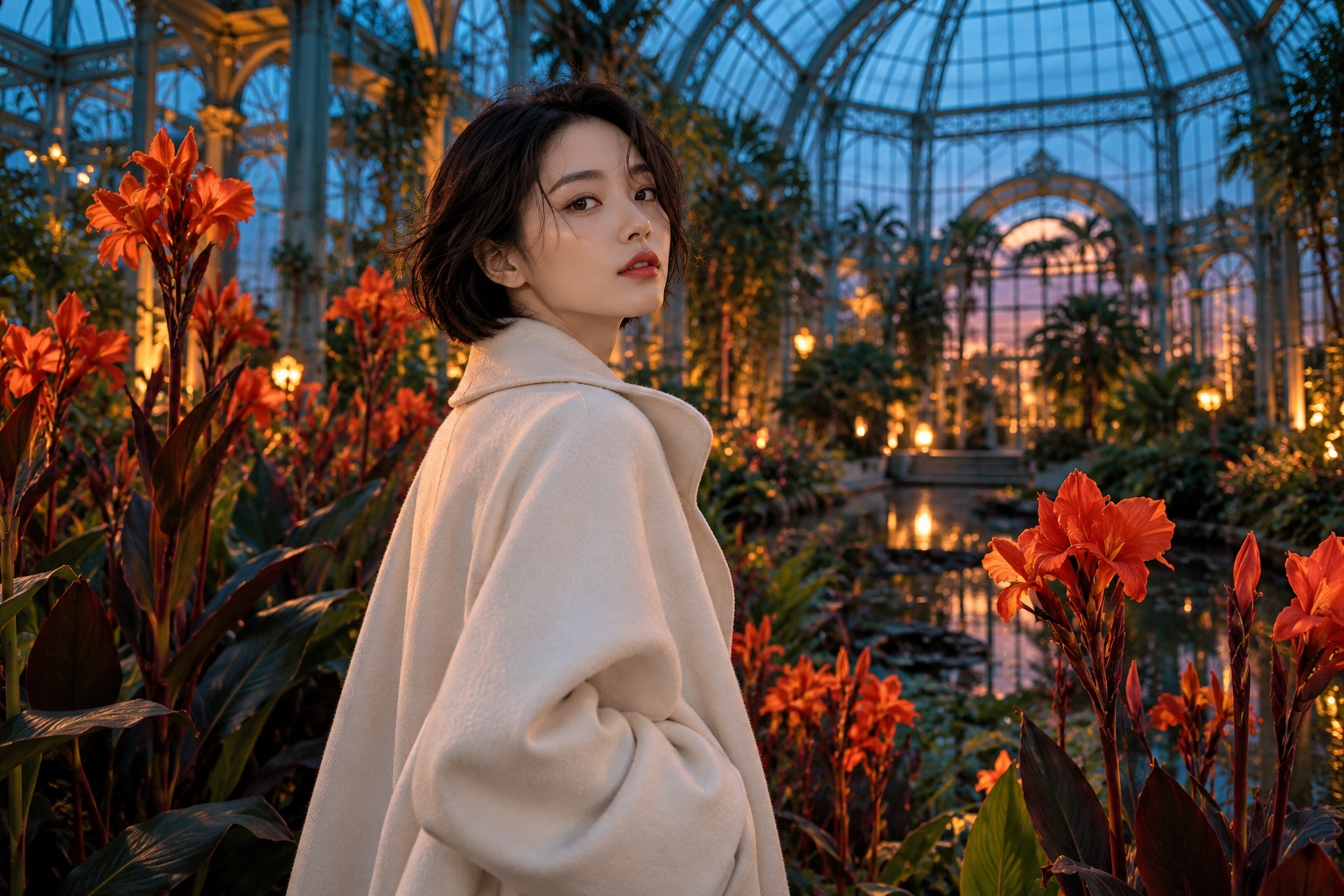
A different kind of portrait
Built around your creative workflow
01
Photography without a shoot
Guide the light, lens, and materials for portraits and scenes with a photographic feel.
Start creating02
Typography with a purpose
Plan posters and packaging with short headlines and a clear visual hierarchy. Review lettering before publishing.
Start creating03
Product stories in every setting
Place a product idea in a quiet studio, a sunlit room, or an imaginative campaign world.
Start creating04
Characters with a clear identity
Describe defining clothes, colors, and expressions to guide a coherent visual series.
Start creating05
Compose for your destination
Leave space for a headline, bring the subject closer, or frame a wider scene in your prompt.
Start creatingMade for your next project
Social stories
Build a recognizable visual style for your next post or short story.
Product campaigns
Explore lighting, settings, and creative directions before your next launch.
Visual storytelling
Develop characters and scenes for storyboards, pitches, and personal projects.
From your idea to the next frame
- 01
Describe the scene
Write the subject, style, and lighting you have in mind.
- 02
Choose a model
Use the models currently offered in the workspace.
- 03
Create and refine
Review the image, adjust your prompt, and save the version you prefer.
More tools for your creative toolkit
Image to ImageTransform a photo into a new image with a prompt.AI Photo EditorEdit photos by describing the change.Watermark RemoverRemove watermarks and overlays from images.Magic EraserErase unwanted objects and fill the gap naturally.Image UpscalerEnlarge photos without losing detail.Background RemoverRemove backgrounds in one click.
Frequently asked questions
Your next idea starts here.
Bring your vision to life, one image and one frame at a time.
Start creating