V3
Google Veo 3
Explore cinematic scene briefs, expressive characters, and ideas for picture and sound.
Text to Video20
Choose a model and describe your next scene. Start for Free
Original concept · illustrative preview
Build a scene you can picture
Describe the visible action first, then add the mood and sound you imagine.
Explore what you can create

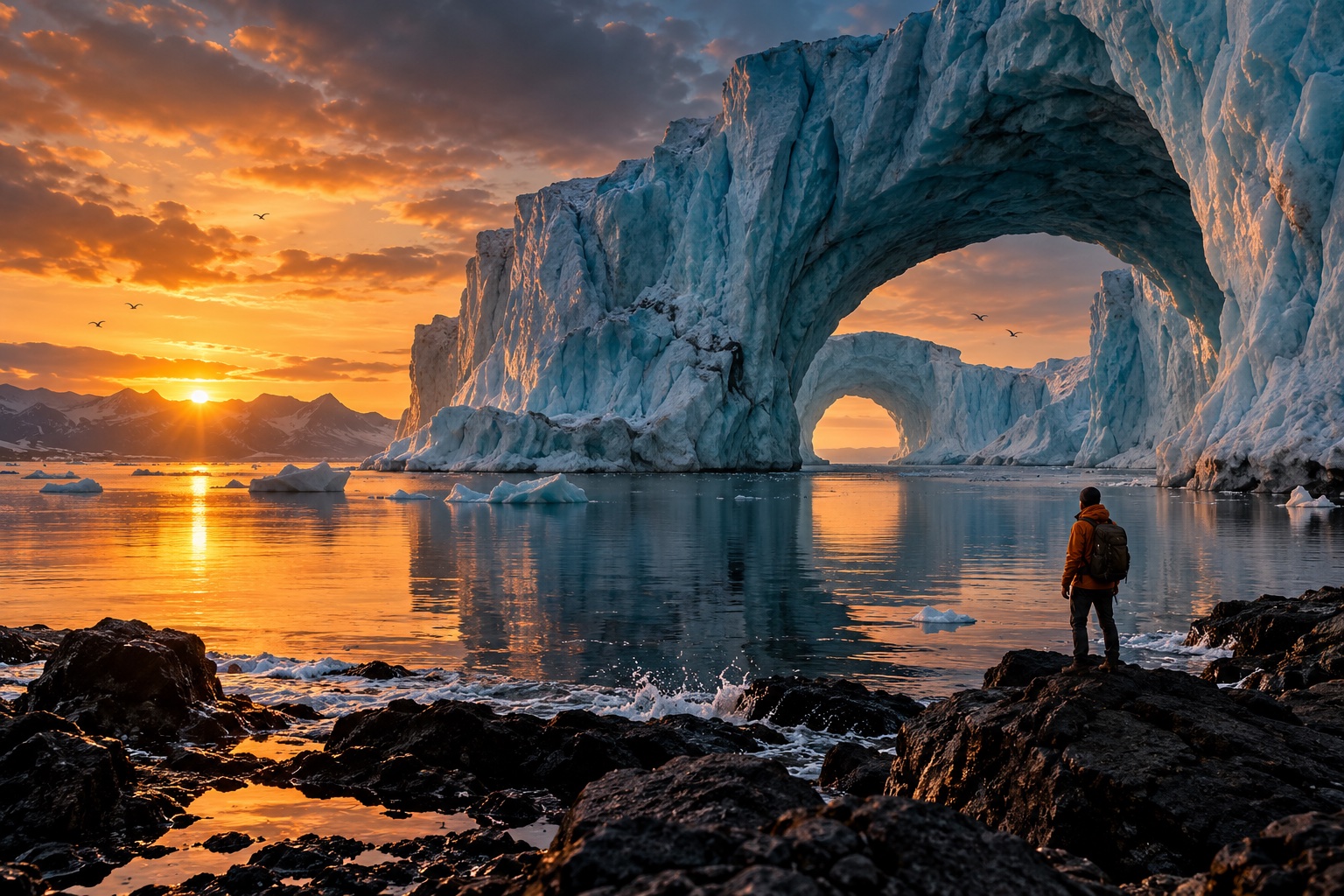
Objects with a story
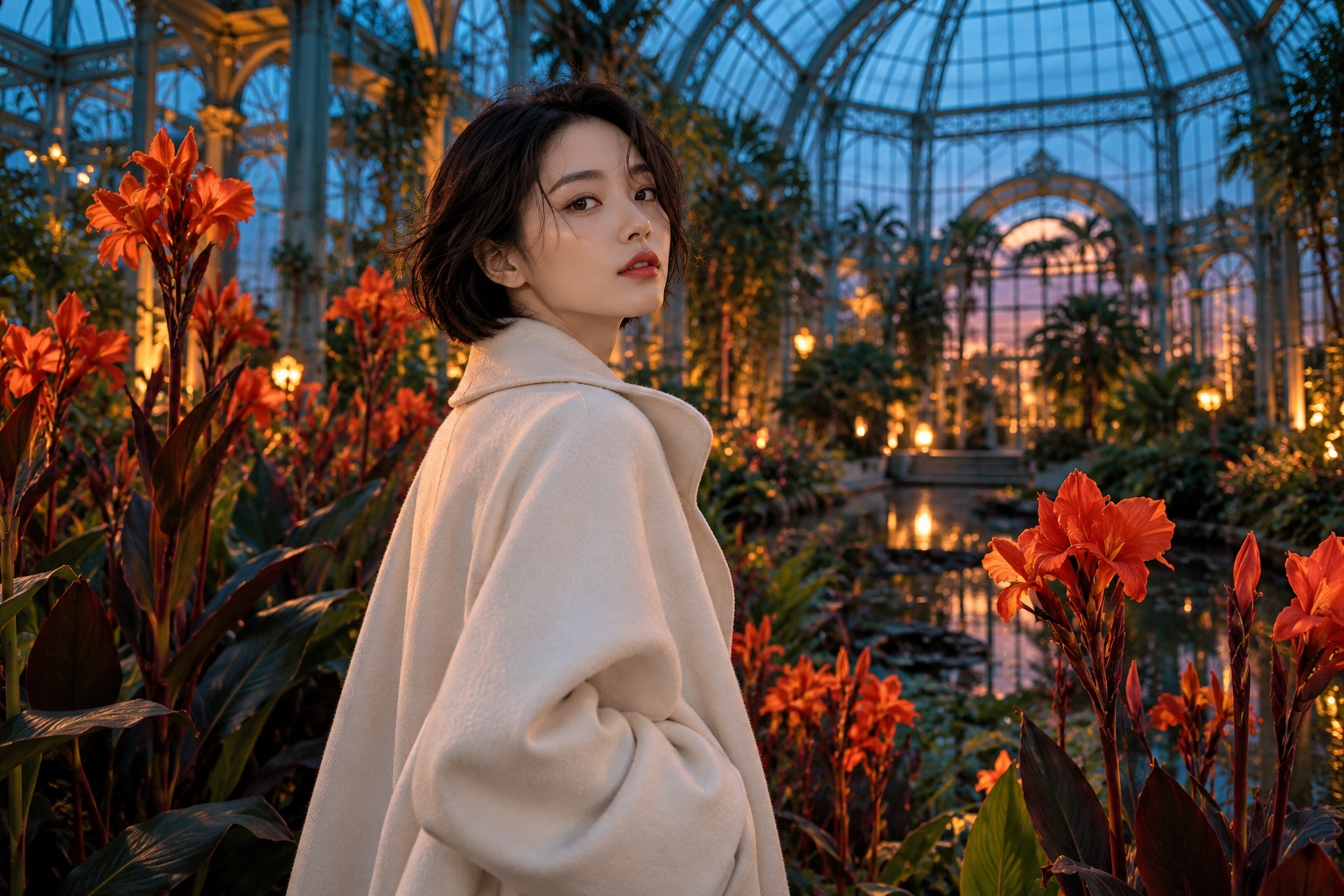
A different kind of portrait
Built around your creative workflow
03
Write specific direction
Make the subject, action, and environment easy to distinguish.
Start creatingMade for your next project
Social stories
Build a recognizable visual style for your next post or short story.
Product campaigns
Explore lighting, settings, and creative directions before your next launch.
Visual storytelling
Develop characters and scenes for storyboards, pitches, and personal projects.
From your idea to the next frame
- 01
Explore the direction
Review the scene ideas and choose a connected model.
- 02
Prepare your scene
Add the prompt or image accepted by your selected mode.
- 03
Review the result
Compare the movement and details, then refine your brief.
More tools for your creative toolkit
Image to VideoBring any photo to life with natural motion.Text to VideoTurn a written idea into a short clip.Reference to VideoGuide a video with reference images for consistent subjects.AI Video EditorEdit and refine AI videos with prompt-based tools.Video to VideoRestyle or transform an existing clip with a prompt.AI Avatar GeneratorTurn a photo into a speaking digital avatar.
Frequently asked questions
Your next idea starts here.
Bring your vision to life, one image and one frame at a time.
Start creating